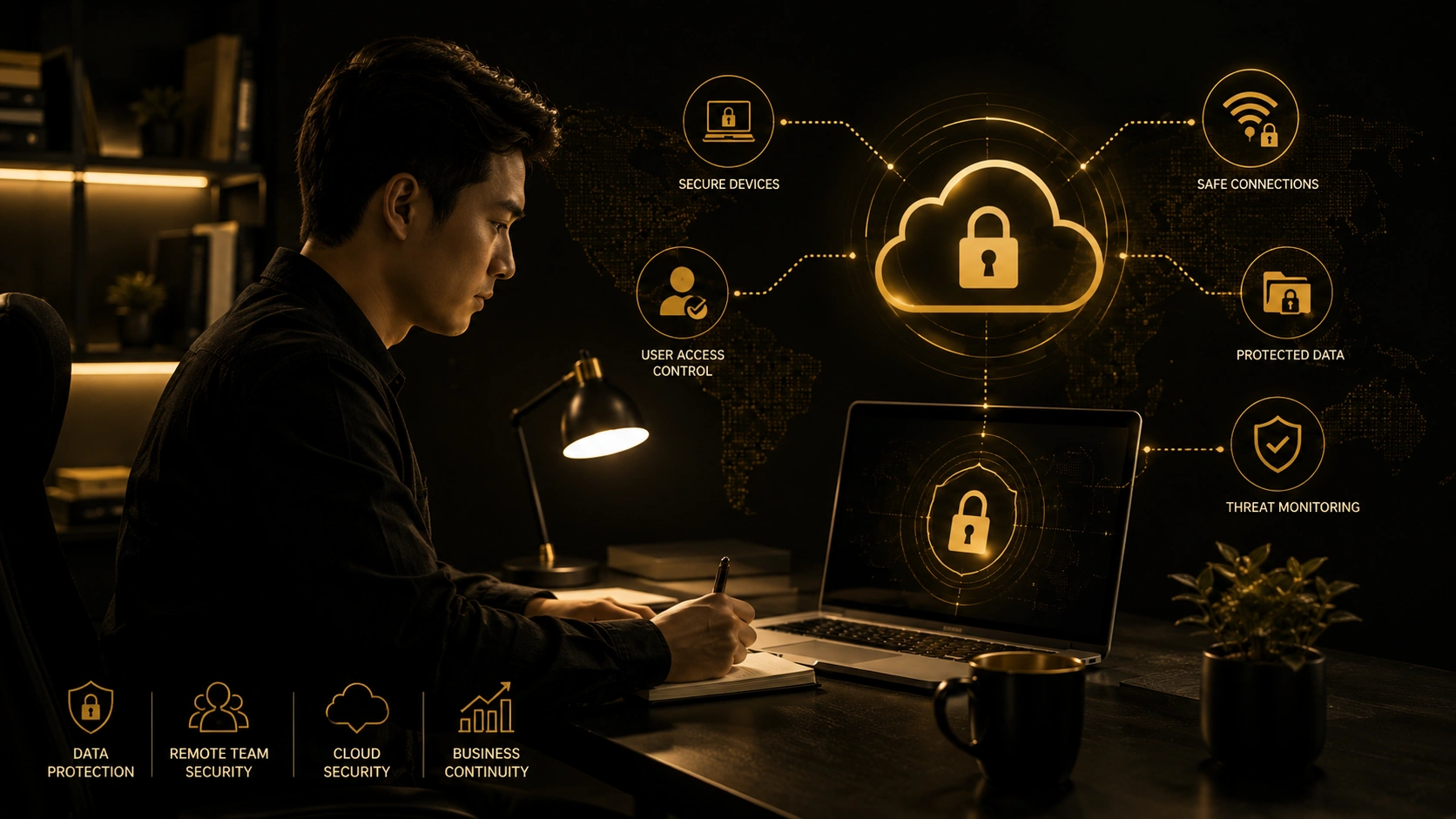
What happens when one remote employee clicks the wrong link, uses an unsecured Wi-Fi connection, or loses a laptop containing company files? For many Philippine businesses, one small mistake can expose sensitive data and disrupt daily operations.
Remote work existed before the pandemic, especially among freelancers and outsourcing teams. When COVID-19 disrupted office operations, more companies quickly adopted work-from-home arrangements. Even after restrictions eased, remote and hybrid work remained popular because they offer flexibility, lower costs, and access to talent across the country.
However, company data now moves between personal devices, home networks, cloud platforms, and shared workspaces. This makes security harder to control. Cloud security solutions help protect user access, files, applications, and cloud systems wherever employees work.
With proper access controls, monitoring, employee training, and technical support, businesses can keep remote teams productive without leaving important company information exposed.
Why Remote Work Creates New Risks for Philippine Businesses
In a traditional office, employees normally connect through a network managed by the company. IT teams can control devices, restrict access, install updates, and monitor activity more easily.
Remote work changes this setup. Employees may connect from different cities, provinces, coworking spaces, or even other countries. Some workers use personal devices, while others switch between business applications, personal email accounts, and messaging platforms throughout the day.
Common risks include:
- Weak or reused passwords
- Unsecured home Wi-Fi networks
- Personal devices without updated protection
- Public Wi-Fi connections
- Phishing emails and fake login pages
- Lost or stolen laptops
- Shared user accounts
- Files sent through unapproved applications
- Former employees retaining access
These risks affect businesses of all sizes. Small and medium-sized companies can be attractive targets because attackers may assume that they have limited IT resources or weaker security controls.
How Cloud Security Solutions Protect Remote Teams in the Philippines
Remote employees need access to company systems, but that access should be limited, monitored, and properly managed. The goal is not to make work difficult. The goal is to create several layers of protection that allow employees to work while reducing unnecessary exposure.
1. Secure Access to Business Applications
Not every employee needs access to every file, application, or system.
Role-based access allows businesses to give employees only the permissions required for their jobs. For example, a sales employee may need access to customer records but not payroll files or administrator settings.
Multi-factor authentication adds another layer of protection. Even when a password is stolen, the attacker still needs a verification code, authentication application, or another approved method to enter the account.
Businesses should consider:
- Multi-factor authentication
- Strong password requirements
- Role-based permissions
- Separate administrator accounts
- Regular access reviews
- Immediate account removal when an employee leaves
These controls reduce the chance that one compromised account will expose the entire cloud environment.
2. Protect Business Files Wherever Employees Work
Remote teams often share documents through cloud storage, email, project management tools, and collaboration platforms. These services make daily work faster, but they can also lead to accidental data exposure when permissions are not managed correctly.
Secure cloud storage helps businesses control who can view, edit, download, or share files. Encryption can also make information harder to read if it is intercepted or accessed without permission.
Companies should regularly check:
- Who can access shared folders
- Whether public links are still active
- Which documents contain sensitive data
- Whether employees download files to personal devices
- How long shared links remain available
- Whether former employees still have access
Clear file-sharing rules can help employees understand which platforms they should use and how confidential information should be handled.
3. Detect Suspicious Activity Earlier
A security issue is easier to manage when it is identified early.
Cloud monitoring tools can detect unusual login attempts, large file downloads, unexpected permission changes, or access from unfamiliar locations. These tools can alert the IT team or service provider before the activity leads to a major incident.
For example, an employee may log in from Metro Manila and then appear to log in from another country only a few minutes later. This may indicate that someone else has gained access to the account.
Early detection gives the business time to block access, reset passwords, investigate the event, and limit potential damage.
Best Practices for Filipino Remote Employees
Technology is important, but employees also play a major role in protecting company data. A strong security setup works best when staff members understand their responsibilities.
Require Strong Authentication
Employees should use unique passwords for every business account. Password managers can help them create and store secure login details without relying on simple or repeated combinations.
Multi-factor authentication should be enabled for:
- Business email
- Cloud storage
- Accounting platforms
- Customer databases
- Collaboration tools
- Administrator accounts
This simple step can prevent many account takeover attempts.
Secure Every Device Connected to the Cloud
Any device connected to company systems can become an entry point for attackers.
Company-issued laptops are usually easier to manage because the IT team can install security software, enforce updates, and control which applications are used. When employees use personal devices, the business should create a clear bring-your-own-device policy.
Each work device should have:
- Updated operating systems
- Antivirus or endpoint protection
- Automatic screen locks
- Encrypted storage
- Remote wipe capability
- Approved business applications
Employees should also avoid saving sensitive company files inside personal folders or accounts.
Train Employees to Recognize Threats
Many security incidents begin with one email, attachment, or fake login page.
Phishing messages may look like delivery notices, payment requests, password alerts, or instructions from a company manager. Attackers often create urgency to pressure employees into clicking quickly.
Regular training can help employees identify:
- Suspicious links
- Fake login pages
- Unexpected attachments
- Unusual payment requests
- Requests for confidential information
- Misspelled email addresses and website domains
Training should be practical, easy to understand, and repeated throughout the year.
What to Look for in a Cloud Security Solutions Company
Choosing a cloud security solutions company should involve more than comparing prices. The provider should understand how your employees work, what systems they use, what information they manage, and which risks could interrupt daily operations.
A reliable provider should offer:
- Clear security assessments
- Access management support
- 24/7 monitoring and reporting
- Backup and recovery planning
- Remote-work security experience
- Scalable services
- Responsive technical support
- Simple and honest recommendations
A trustworthy provider should explain the strengths and weaknesses of your current setup without relying on fear-based messaging or unrealistic guarantees.
Why Cloud and Data Center Protection Matters
Remote-work security does not end with laptops and employee accounts. Businesses must also protect the servers, platforms, networks, and infrastructure that store and process company data.
The best cloud and data center security solutions combine access controls, monitoring, encryption, backup systems, and recovery planning. These layers work together to reduce downtime and protect important information.
Strong protection can support:
- Customer privacy
- Business continuity
- Secure remote access
- Faster incident response
- Reduced operational disruption
- Safer business growth
This is especially important for companies that manage financial records, customer information, health data, or confidential business documents.
How Top Premier Cloud Supports Secure Remote Work
At Top Premier Cloud, we understand that every remote team has a different setup. Some companies operate fully in the cloud, while others combine office servers, online applications, and work-from-home access.
We help businesses review their current environment, identify security gaps, and build practical protection around their employees, data, and systems. Our approach may include access controls, monitoring, cloud backup planning, infrastructure protection, and ongoing technical support.
We focus on making security easier to manage. Our goal is to help your team remain productive while reducing the risks connected to remote and hybrid work.
Protect Your Filipino Remote Team Before an Incident Happens
Remote work is no longer only a temporary response to the pandemic. It has become a long-term way of working for many Philippine businesses. This makes it important to review how employees access company systems, where files are stored, which devices are used, and how suspicious activity is handled.
Waiting until an account is compromised or important files are lost can lead to higher costs, downtime, and damaged customer trust. Top Premier Cloud helps Philippine businesses create safer cloud environments for remote and hybrid teams. Contact us to learn how we can help protect your employees, company data, and cloud infrastructure.
 ] A huge thank you to everyone who joined our